The Quests That Unlock Your Home and Adventures
Complete A Fresh Start for your home island and Hammer, The First Sprout for farming and cooking, and Permission to Glide for the Refining Station. Ryder's Adventure Awaits introduces Adventures, so continue through Milo's refining tasks to reach that part of the opening.Playing this video connects to YouTube.
Set Up the Account You Want to Keep
Link your intended email and account from the character-selection interface before moving on. Your demo progress carries into Early Access, including what you complete and collect. Loftia requires an internet connection even when you play solo, but playing alone does not block your progress.
Reach Your Island and Craft the Hammer
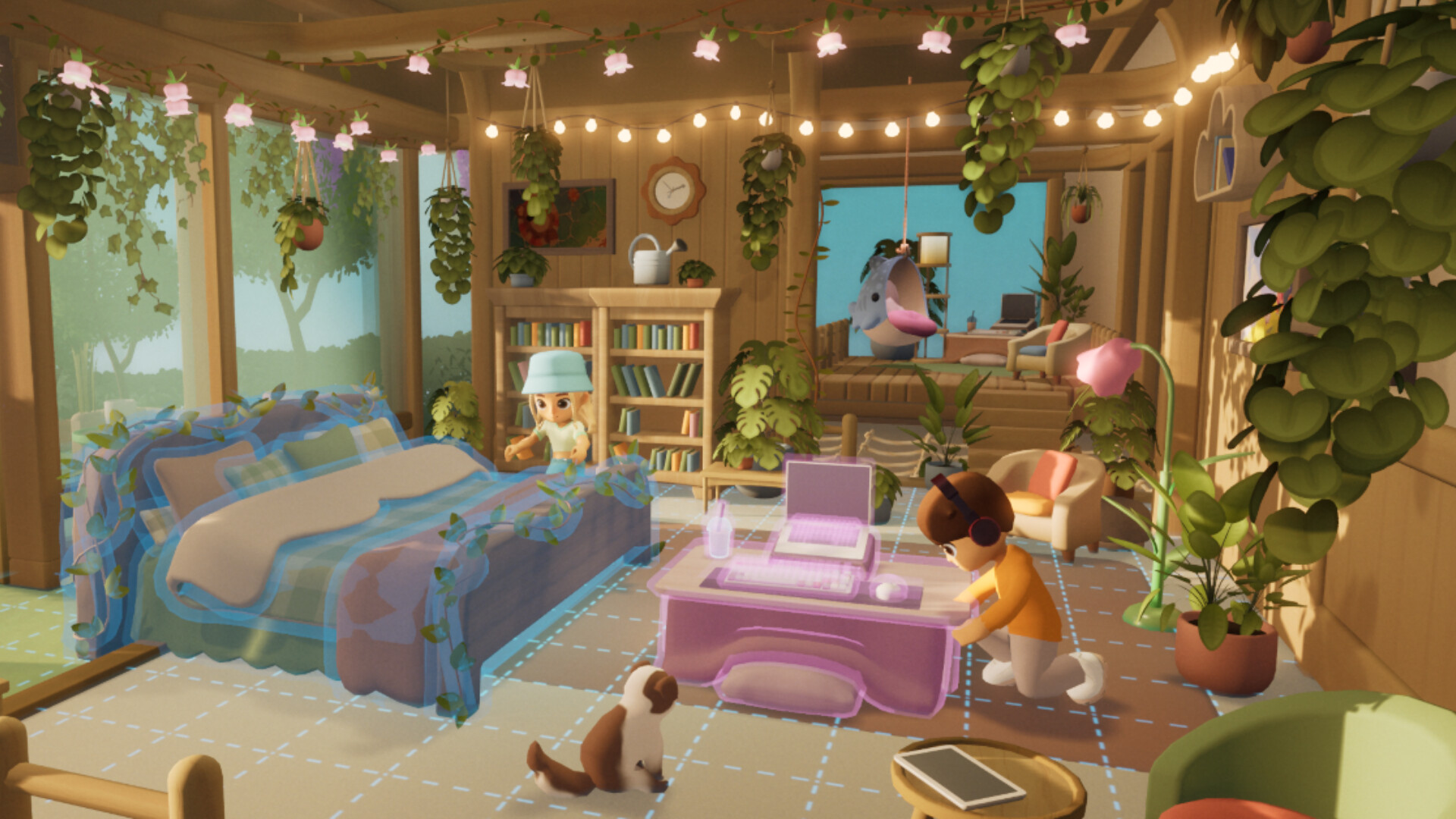
Take the hot air balloon after speaking to Pebble again. This opens the Player Neighborhood, where your home island and house are waiting.Playing this video connects to YouTube.
Place the Project Station inside your house as Pebble asks. It lets you craft useful items from gathered materials and battery charges.Playing this video connects to YouTube.
Finish Hazel's Farming and Cooking Lessons
Start The First Sprout with Hazel on your plot. She provides your starter Garden Bed and special Lettuce Seeds, introducing the farming side of your island.Playing this video connects to YouTube.
Build the Refining Station With Milo
Start Your Adventure With Ryder
- Meet Ryder at the Adventure Dock in Loftia City. Adventure Awaits introduces Adventures during this opening chain, before you return to Cliff to finish the glider work.
- Collect the three Scrambled Coordinates Ryder requests. Loot Screws and destroy Washing Machines in the Scrap Quarter to find them for his errand.
- Return to Ryder and complete his Adventure. This finishes the Adventure task that comes before the next part of Cliff's glider work.
- Go back to Cliff after Ryder's task to continue crafting your glider. Certified Flying Loftian follows in the opening quest chain.
Keep Your Farm and Battery Working
Your starting Battery holds five energy charges, so recharge between crafting jobs. Use the solar panel already on your island, and upgrade energy storage when you have the materials. Keeping your charging point near the Project Station also cuts down the walking between jobs.Playing this video connects to YouTube.
Check the Project Station for the Pruner blueprint before a gathering trip. The Pruner cuts wild plants and mushrooms, making it useful alongside your Hammer and Watering Can. Keep Scrap Wire and Mushroom Leather for the Battery upgrade shown in the demo's crafting menu.Playing this video connects to YouTube.
Set your farm's guest permissions before leaving crops unattended. On keyboard, open B, then Tab, then V, and choose private or friends-only access for harvesting. You can also remove unwanted visitors from the guest-permissions screen.Playing this video connects to YouTube.
Refill your Watering Can at a rain collector before heading out. Put a collector close to your beds for convenient refills, and check each crop's water indicator when you return. Hazel's demo seed shop also displays crop sale values, which helps you choose what to grow next.Playing this video connects to YouTube.
Know Where the Demo Stops
Raw Cherries could be sold in the closed beta, while the demo uses them for cooking. In the demo, Cherries and Sugar make a Fruit Smoothie you can sell. Treat that as an optional income activity after setting up your farming and cooking stations.