Open the wheel to use an emote
Press J to open Loftia's emote wheel, then select an emote to perform it. On controller, check your in-game bindings or controller interface for the emote-wheel input. Additional expressions come from progression and side quests, including Pebble's Pebblethon activities and Amani's Your Daily Do-Good.
Use an emote with keyboard and mouse
- Press J to open the emote wheel and bring up your emote selection.
- Select the expression you want to perform to make your character use that emote.
Swap equipped emotes in the closed beta
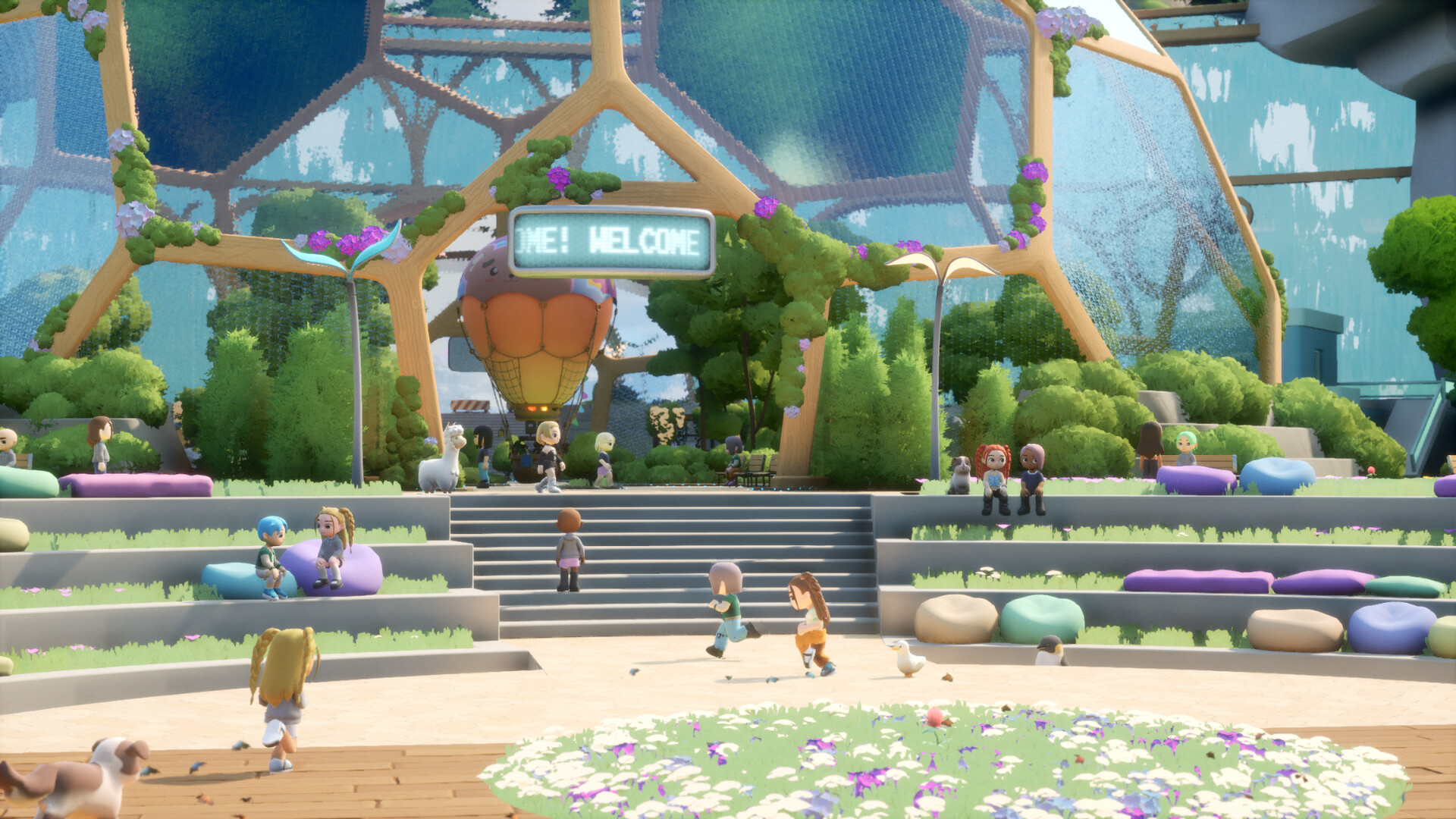
Press J in the closed beta to bring up the emote wheel before changing its equipped expressions.Playing this video connects to YouTube.
Left-click an equipped emote to open the swap selection, where you can see the emotes available to you.Playing this video connects to YouTube.
Choose an available replacement to equip that expression in place of the previous emote.Playing this video connects to YouTube.
Find your controller emote binding
Loftia supports controllers as well as keyboard and mouse. For the emote wheel, check your in-game bindings or controller interface and use the input shown for your setup. If you switch between keyboard and gamepad, check the relevant controls before trying to use the wheel during a conversation.
Unlock more emotes through side quests
Progression and side quests expand your emote selection. Pebble's Pebblethon activities provide additional expressions, while completing Amani's Your Daily Do-Good awards the There You Go emote. Follow the quest routes below if you want more reactions to use while socializing.
- Complete The First Sprout to open Pebble's side quest The Extremely Secret Surprise.
- Complete The Extremely Secret Surprise to open Let the Pebblethon Begin with Pebble.
- Complete Pebble's Pebblethon tasks to unlock additional emotes for social interactions.
- Complete Permission to Glide to open Amani's side quest Ready for the Rumble.
- Complete Ready for the Rumble to open Your Daily Do-Good with Amani.
- Complete Your Daily Do-Good to receive the There You Go emote and expand your available expressions.
Emotes in the demo and Early Access
The demo includes only part of Loftia's customization and emote selection. More emotes are planned to unlock as you progress deeper into Early Access. When playing the demo, work with the expressions available to your character and follow the controls displayed in that build.