Make your island private or friends-only
On keyboard in the Loftia demo, press B, then Tab, then V to open Guest Permissions and choose private or friends-only access for your plot. Set farm access and energy-station use separately to prevent unwanted harvesting and protect stored power.
Start from your own plot
Follow Pebble's opening quests until you unlock your plot and the neighborhood. Once you have your own space, check its visitor permissions as part of getting settled. Do this before you start sharing your farm or power with other players, so each activity has the access level you want.
Open Guest Permissions and choose access
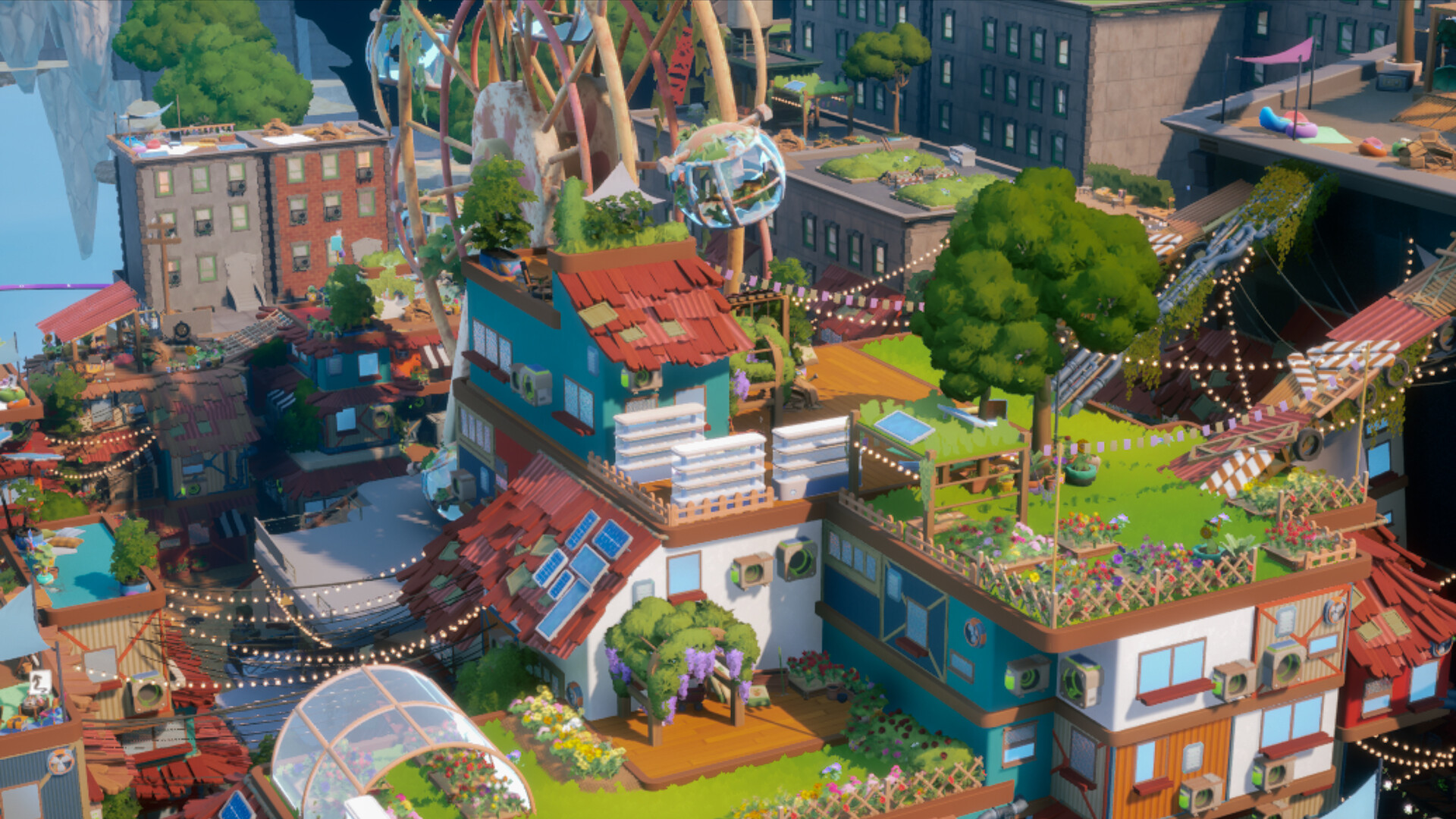
Press B on your plot to open the main inventory and placement screen.Playing this video connects to YouTube.
Press Tab to continue toward the plot's permissions controls.Playing this video connects to YouTube.
Press V to open Guest Permissions and view the access settings.Playing this video connects to YouTube.
Set your plot's entry access to private for personal space, or friends-only when you want friends to visit.Playing this video connects to YouTube.
Set farm access to private to keep the harvest for yourself, or friends-only when you intend to share crops with friends.Playing this video connects to YouTube.
Restrict energy collection to the visitors you want to share power with, keeping stored energy available for your own use.Playing this video connects to YouTube.
Protect harvesting while allowing watering
Public farm access lets other players pick your crops, so check that setting before leaving plants growing while you head elsewhere. Choose private when you want to collect the harvest yourself. Friends-only suits a shared farming session, but agree with your friends about what they should take before opening access.
Watering can remain public while your farm is private: the demo lets you make those choices separately. That is useful if you welcome help tending plants but want to handle harvesting yourself. Review watering and farm access individually instead of opening both simply because you want a neighbor to help.
Choose which stations visitors can use
Energy collection has its own permission, separate from farm access. Visitors who can use your energy stations can drain stored power, so keep that access private or limited to friends when you need the supply yourself. Check this alongside harvesting permissions before inviting people over for a longer visit.
The demo also offers permissions for using crafting stations and collecting water. You can allow those activities while restricting energy collection, as shown in the demo walkthrough. Choose each setting around the activity you actually want to share, whether that is crafting together, collecting water or helping with plants.
Manage visits in a shared neighborhood
Living in a shared neighborhood still gives you choices about access to your own plot. For a visit to see your furniture and decorations, choose who may enter, then keep farm and energy permissions at the levels you prefer. Let friends know which resources you are sharing so a house visit does not become an unwanted harvesting session.
Use Kick Out Visitors in Guest Permissions when someone on your plot is no longer welcome, removing unwanted visitors from your space.Playing this video connects to YouTube.
Keep public planting areas separate
Public planting areas have a different permission situation from your personal plot. The October 22 demo patch removed plantable Garden Beds from Loftia City because their public nature had caused confusion. For crops you want to reserve for yourself, use your island farm and restrict its harvesting access through Guest Permissions.
Use the demo controls for the demo
The keyboard sequence above applies to the October demo. Early Access is scheduled for November 3, 2026. When following a closed-beta walkthrough, check which build it shows before copying its controls, and use the demo sequence here when changing these settings in the demo.