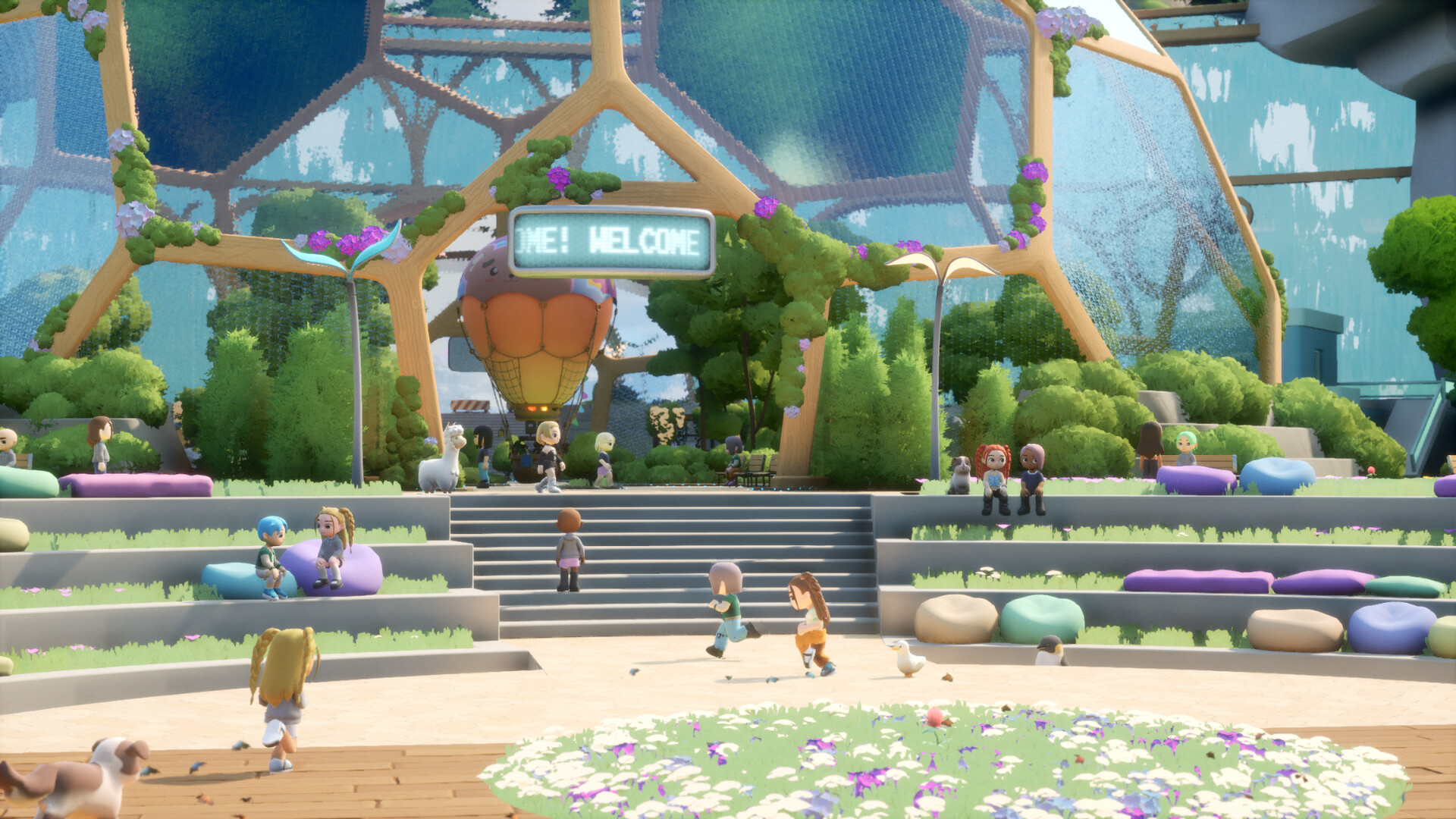
Choose the Supported Mac Version
To play Loftia on Mac, get the separate Steam demo during its availability window, or choose the Mac Early Access release through Steam or the Epic Games Store. Steam lists macOS 14 Sonoma, an Apple M2 chip, 8 GB RAM and integrated Apple M2 graphics as the minimum Mac configuration; Intel-based Macs are not supported.
Compare the Mac System Requirements
| Requirement | Details |
|---|---|
| Operating system | Minimum and recommended: macOS 14 Sonoma. |
| Processor | Minimum: Apple M2 chip. Recommended: Apple M2 Pro chip. |
| Memory | Minimum: 8 GB RAM. Recommended: 16 GB RAM. |
| Graphics | Minimum: integrated Apple M2 GPU. Recommended: integrated Apple M2 Pro GPU. |
| Storage | Minimum and recommended: 10 GB available space. |
| Network | Minimum and recommended: broadband internet connection. |
| Intel-based Macs | Not supported in either published Mac configuration. |
Check the processor, memory and graphics together before downloading. If you are comparing computers, work through every row instead of deciding from the operating system alone. Use the recommended configuration as your comparison target when choosing hardware.
Updating an Intel-based Mac to the listed operating system does not make it a supported Loftia configuration. The Intel exclusion applies to both the minimum and recommended requirements. Use the published Apple-silicon requirements when deciding whether your Mac is suitable.
Compare the Steam Demo and Early Access
| Option | Details |
|---|---|
| Early Access price | Announced US base price: $29.99. Limited-time launch price: $24.89, with regional pricing available. |
The demo lets you begin in Loftia City, meet its NPCs and try activities including farming, decorating and salvaging. Early Access is planned to add the Hanging Gardens and Gridfall. Choose the demo for a preview during its window, and the Early Access release for continuing into the expanded game.
Get the Correct Mac Download
- Compare your Mac with every requirement in the table before choosing a download.
- Get the Loftia Demo on Steam for Mac during the demo availability window.
- Open Loftia on Steam for the Mac Early Access release when it becomes available.
- Keep your internet connection available while playing. Loftia requires you to be online on every platform, including when you choose to play solo.
Handle Login and Controller Setup
The developer FAQ says Loftia supports controller or gamepad play alongside keyboard and mouse. Steam labels its controller support as partial. Keep keyboard and mouse available while installing and setting up your account.
Demo patches addressed Steam login-state errors and controller activation on the email-linking screen. If either screen gives you trouble, check that your installed demo is updated before retrying. If controller input does not respond during setup, try keyboard and mouse to complete the affected screen.
For demo invitation rewards, sign in to your Loftia account on the official website to track progress and claim rewards. Link your email and claim an earned demo reward so it is saved to your account for Early Access. Make this part of your account setup if you want to keep those rewards.
Mac Compatibility and Account Questions
- Can I use an Intel-based Mac?
- No. Steam explicitly excludes Intel-based Macs from both published Mac configurations. Use a Mac that meets the listed Apple-silicon requirements when choosing your installation route.
- Does extra memory meet the recommended requirements?
- Compare the processor and graphics too. Steam recommends an Apple M2 Pro chip, integrated Apple M2 Pro graphics and 16 GB RAM. Matching the memory figure alone does not match that complete configuration.
- Can I play offline or without a subscription?
- Loftia requires an online connection, even for solo play. The game is buy-to-play and has no subscription required to play. Purchasing the game and maintaining an internet connection are separate requirements.
- What happens to my demo character?
- Demo progress carries into Early Access, including what you complete or collect. The demo allows one character per account. To retain a name claimed during the demo, log into Early Access between November 3, 2026 and February 3, 2027.